Turned to Ashes Song
- Updated
- Jul 2, 2026

Overview
To activate the music Easter egg song on the Ashes of the Damned Zombies map, you need to find and interact with three specific headphones located across the map. The order in which you interact with them does not matter.
Step 1: Locate the First Headphone (Ashwood)
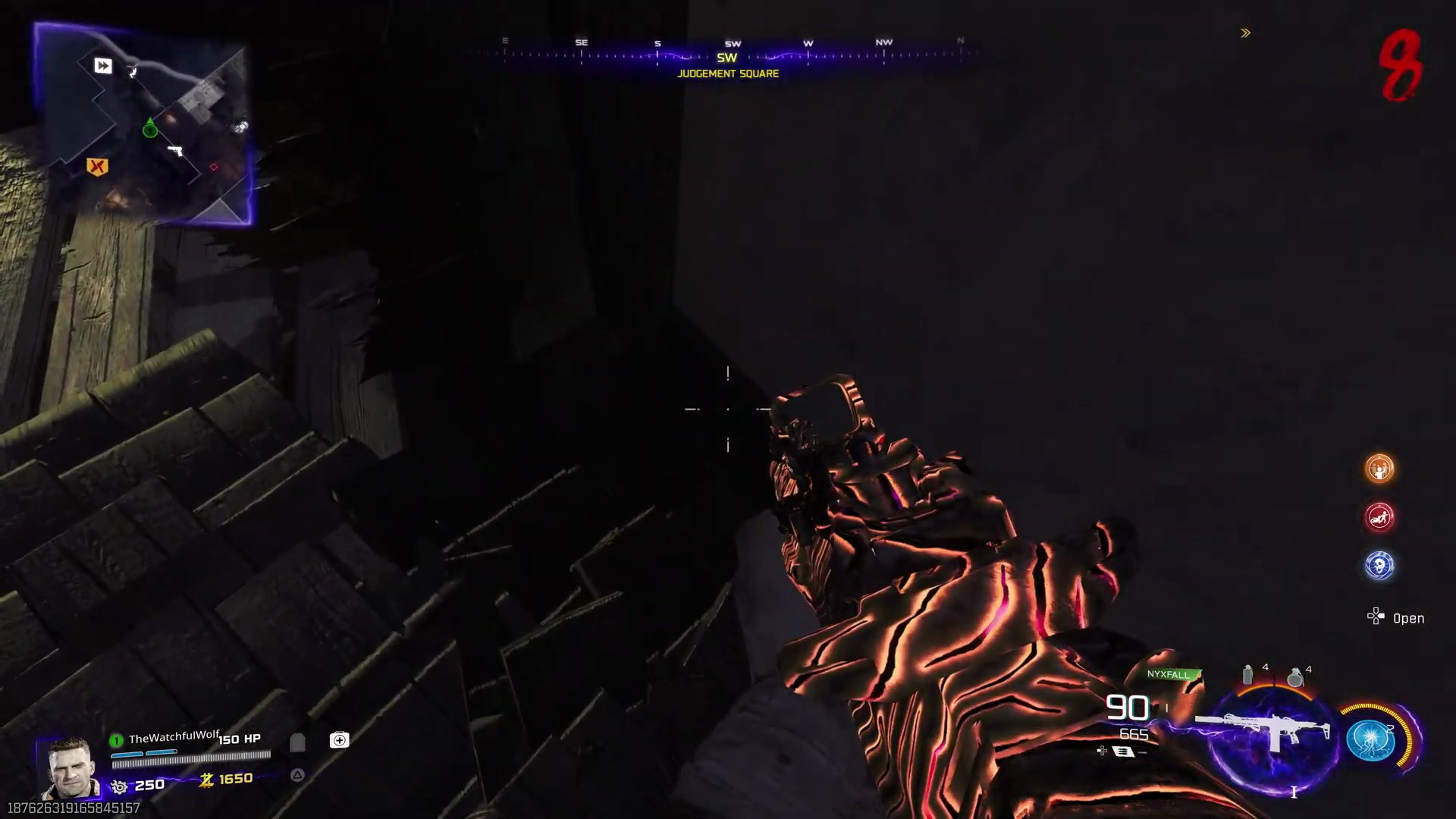
The first headphone is found in the Ashwood area of the map. This is a central location where you can set up Pack-a-Punch.
- First, ensure you have activated the power in the Ashwood area.
- Head towards the Double Tap side with the armor machine.
- Go up the stairs on the right side of the Double Tap area.
- The headphone is located in the corner at the top of these stairs. You will need to hold the interact button to activate it.
Step 2: Locate the Second Headphone (Diner)
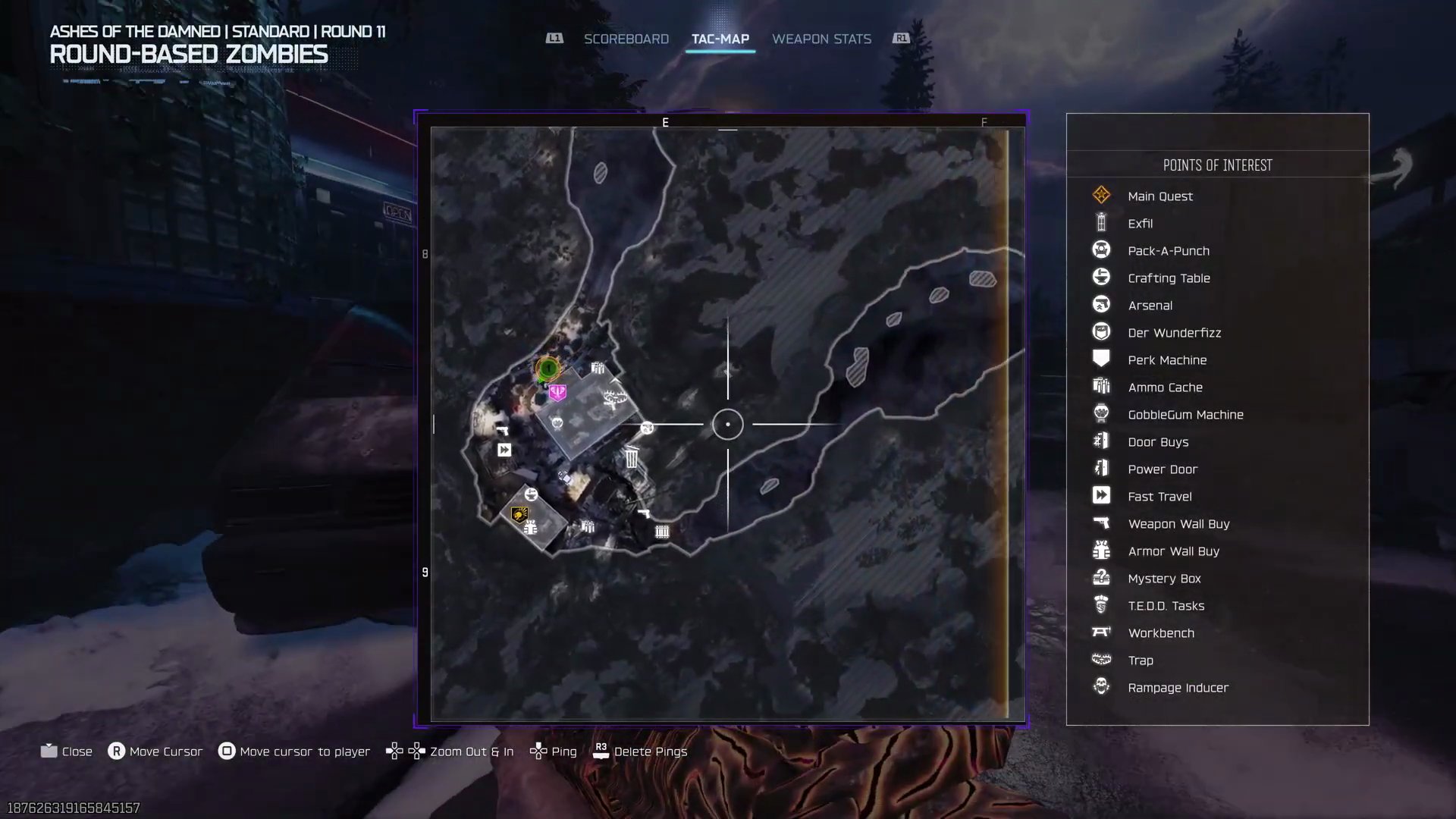
The second headphone is located at the Diner, also known as Exit 115 on the map.
- Open your map and navigate to the Diner area, located in the bottom left section of the map.
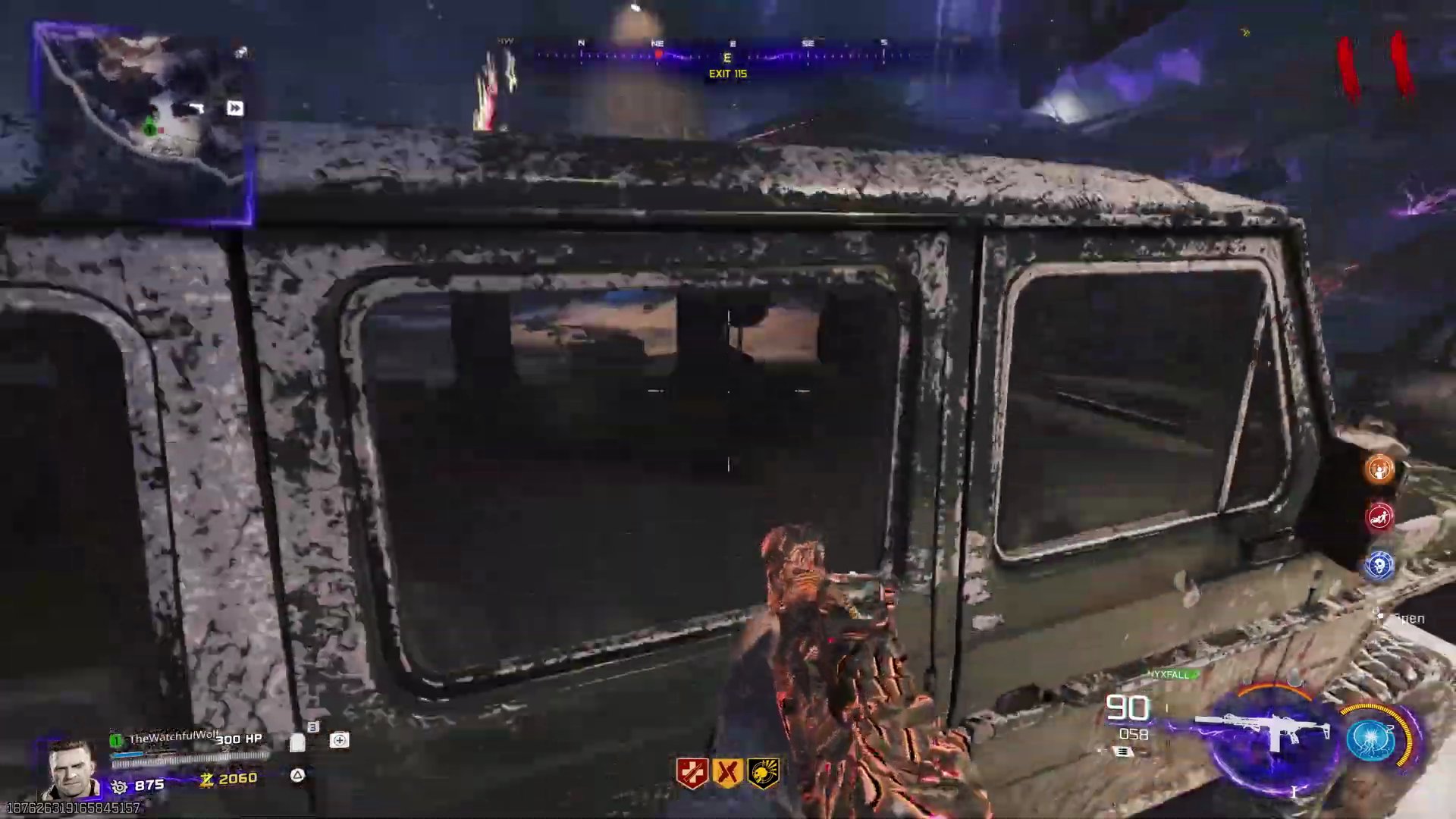
- Once at the Diner, proceed towards the gas pumps section.
- The headphone is hidden inside the back seat of the green Jeep parked near the gas pumps.
- Hold the interact button to activate the headphone.
Step 3: Locate the Third Headphone (Spawn)
The third and final headphone is located at the game's spawn point.
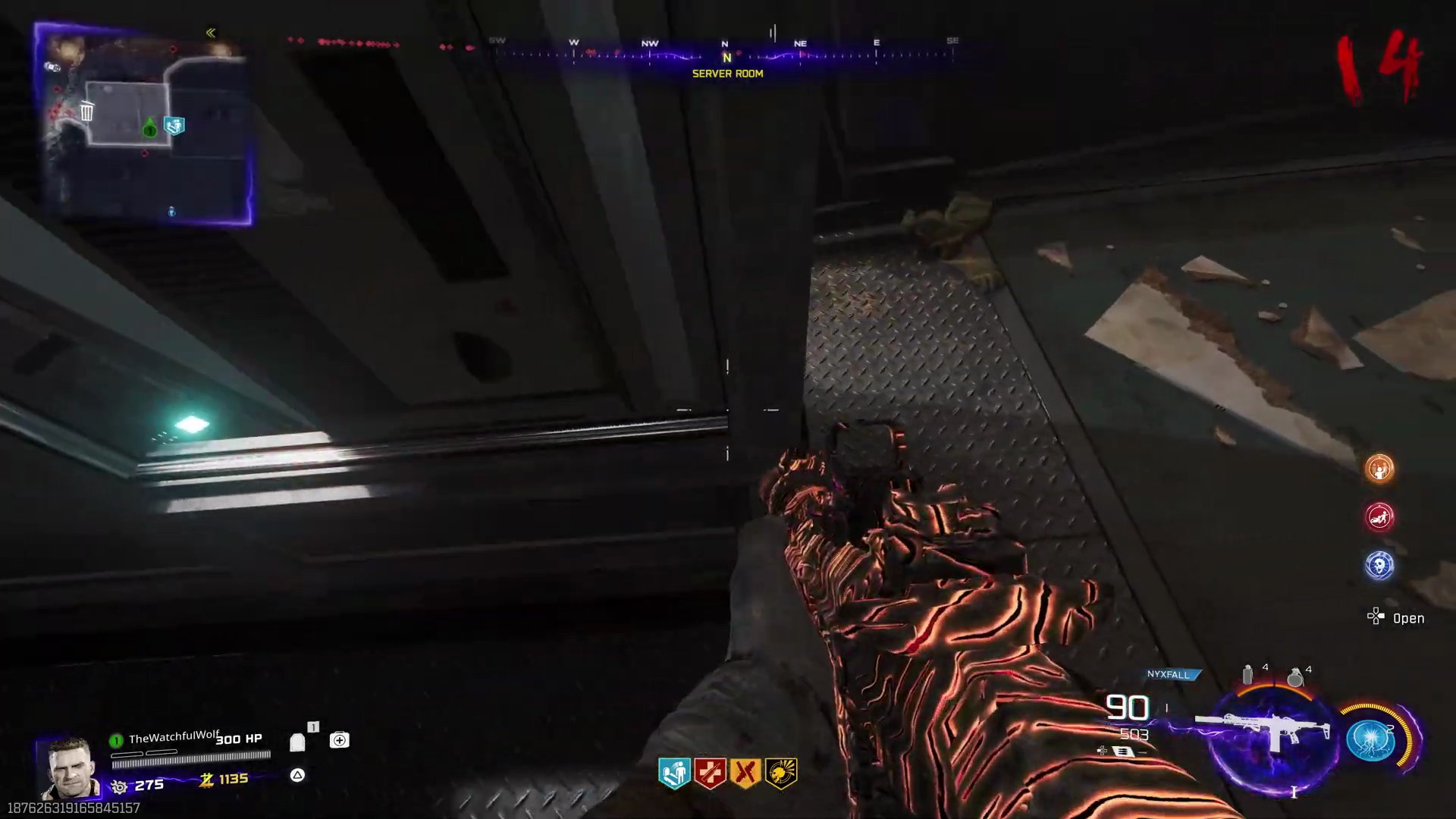
- From the initial spawn area, go inside the building directly to your left.
- You'll find the Quick Revive machine in this building.
- The headphone is on the wall/ceiling section, just to the left of the Quick Revive machine.
- Hold the interact button to activate it and trigger the Easter egg music song.
Finished the Easter Egg?
Send this guide to your squad.