Upgraded SAM Trap
- Updated
- Jul 2, 2026

Trap Upgrade Guide
Upgrading Sam turns her into a powerful trap
Step 1: Find the Error Code Computer
There are three possible computer spawn locations. Search each one and interact with it (hold Square) to activate it. Then:
-
Finish the round
-
Check if the screen says “Cleaning…”
-
If it resets to the main menu with no error code, move on to the next location
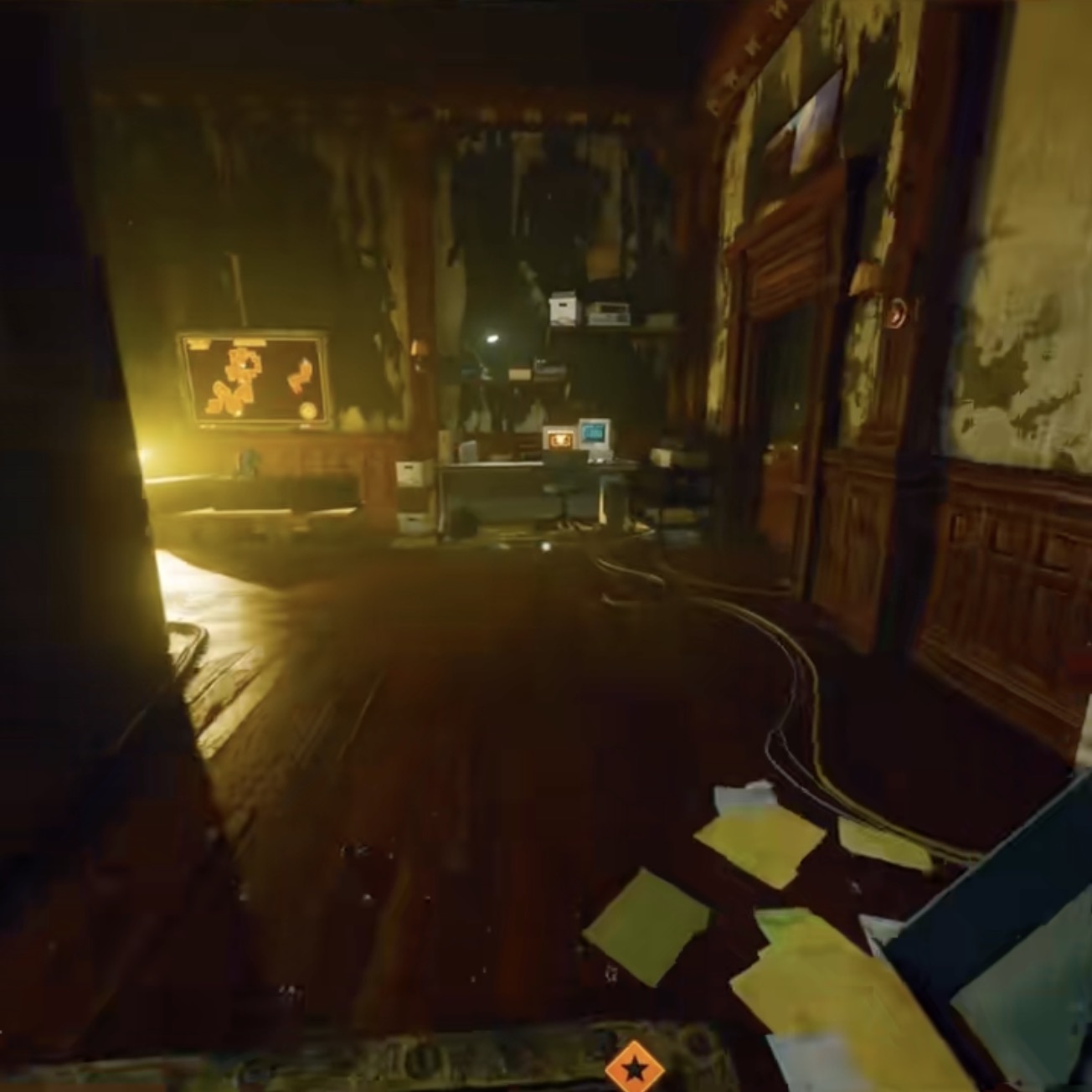
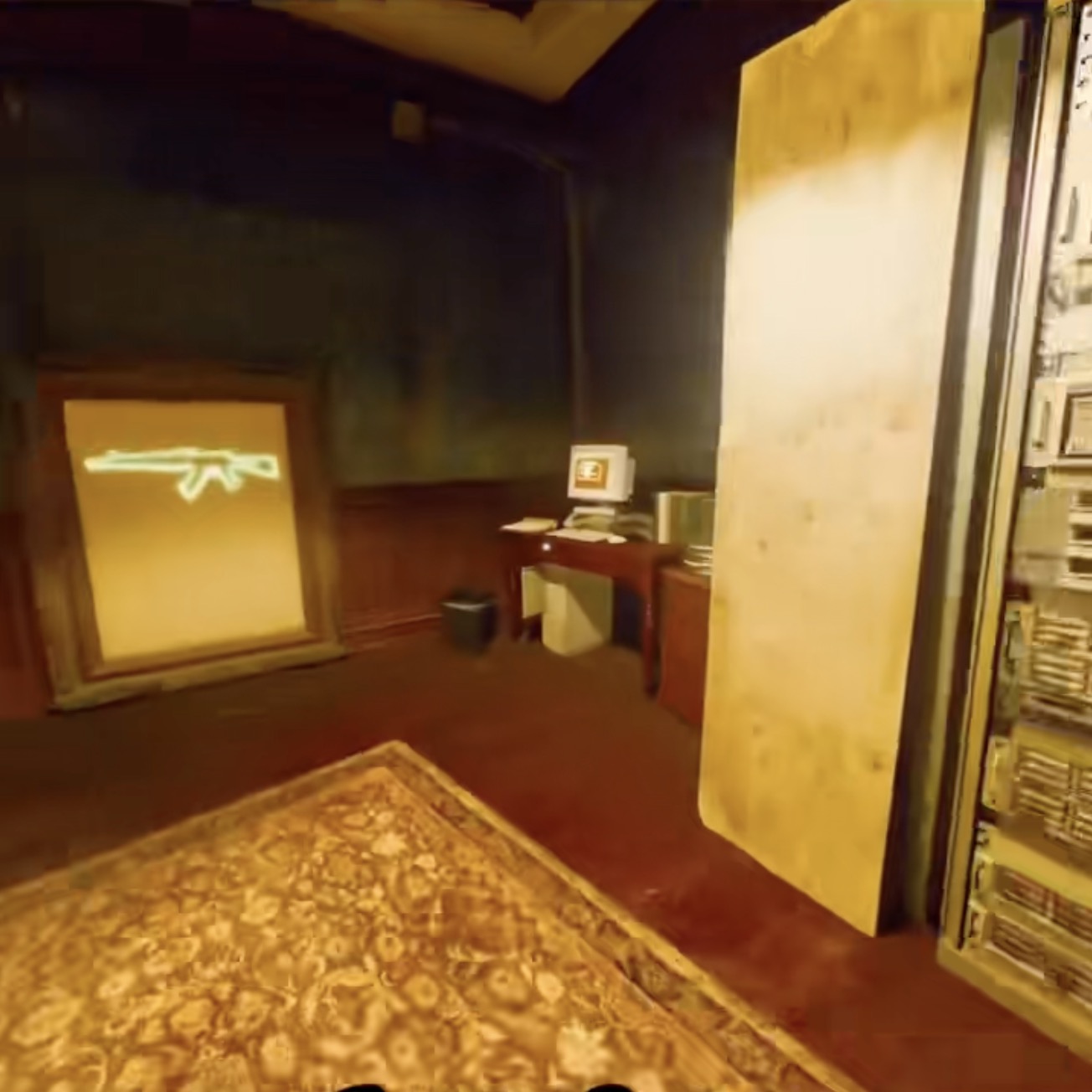
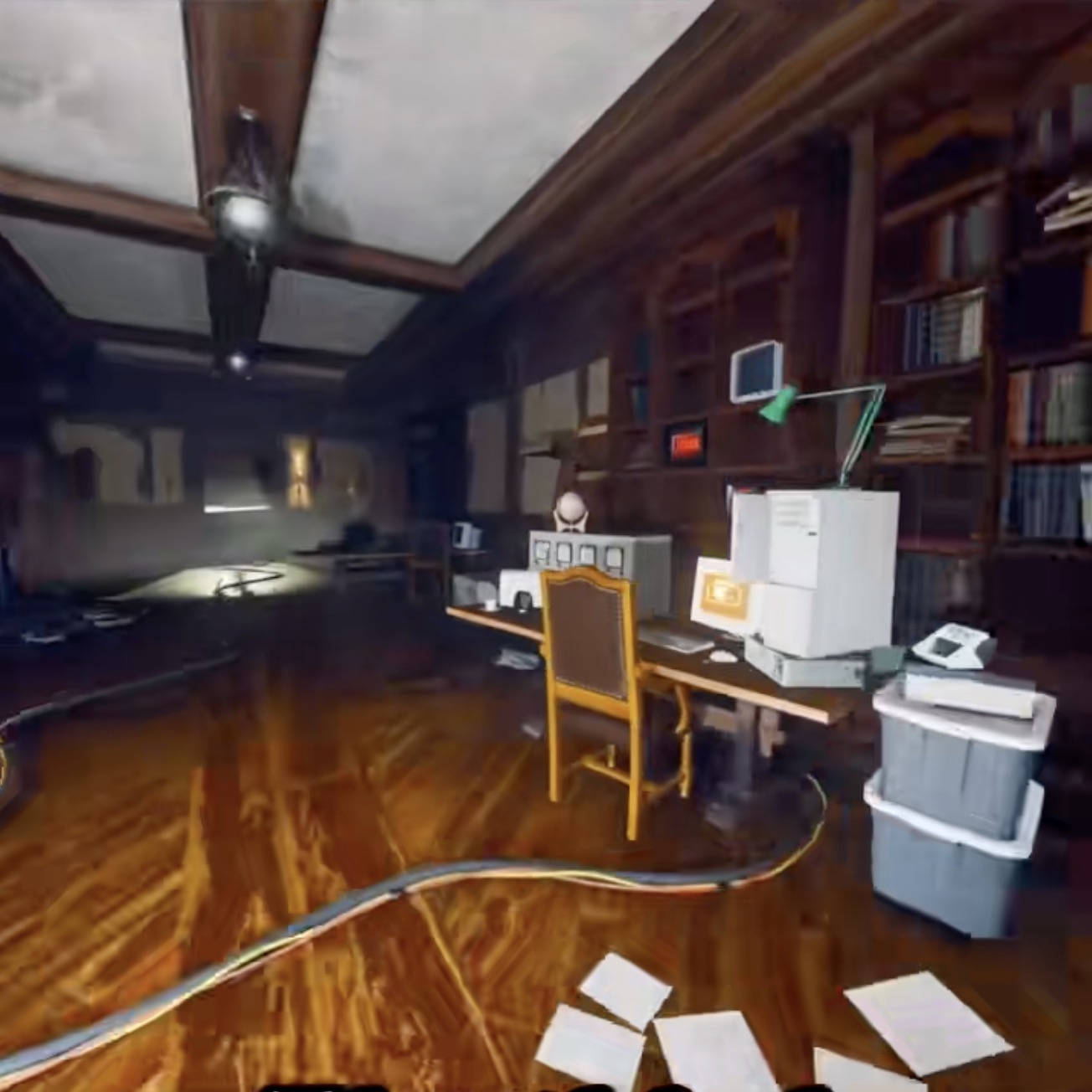
Keep repeating this until one of the computers displays an error code.
Step 2: Collect the Disc
Once you find the computer with the error code:
-
Hold Square to activate it again
-
A disc will eject from the machine — hold Square to pick it up
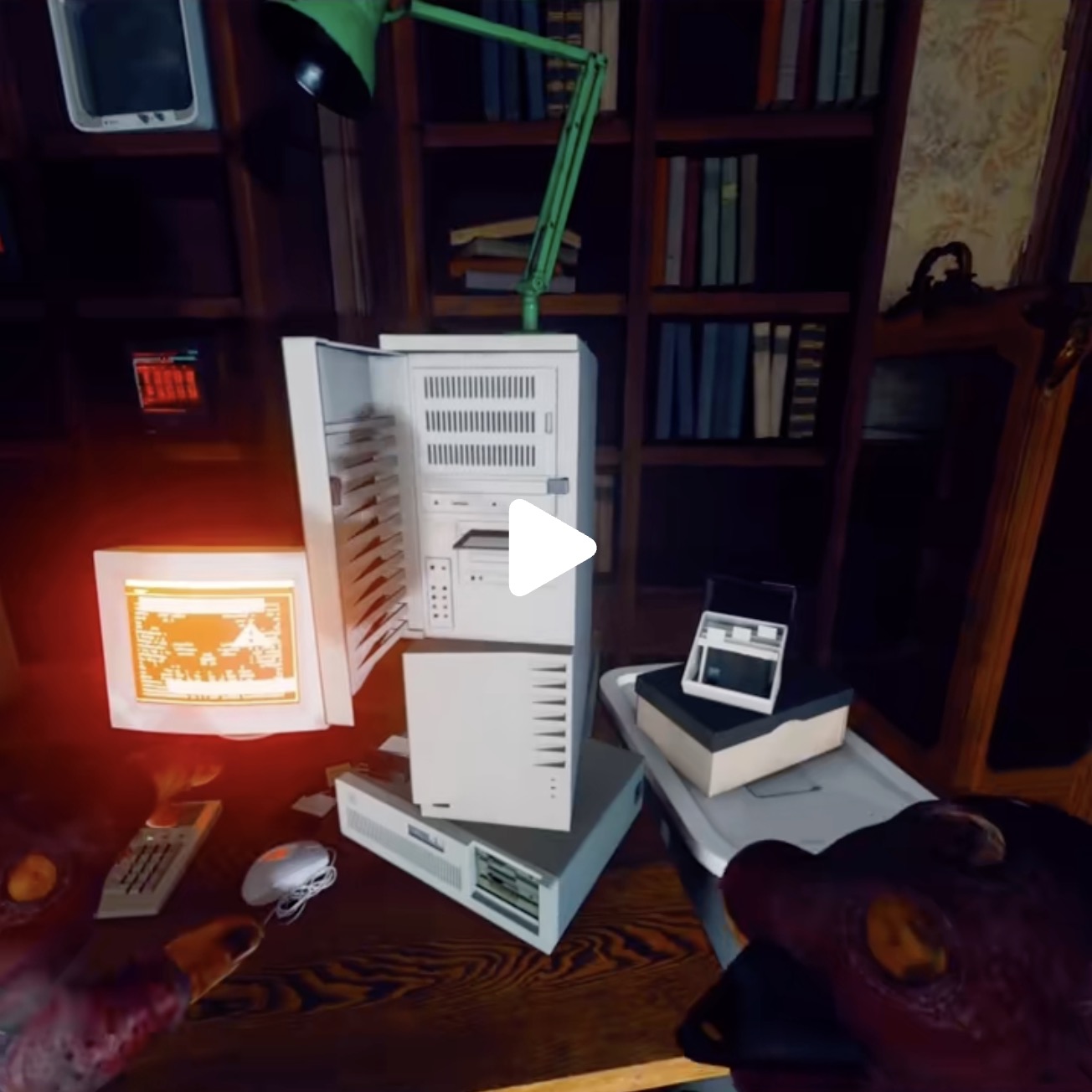
Step 3: Insert the Disc and Activate Sam
-
Head to Pack-a-Punch and find the small computer nearby
-
Insert the disc into that terminal
-
Finish the round, then interact with the computer again
-
Finish one more round after that
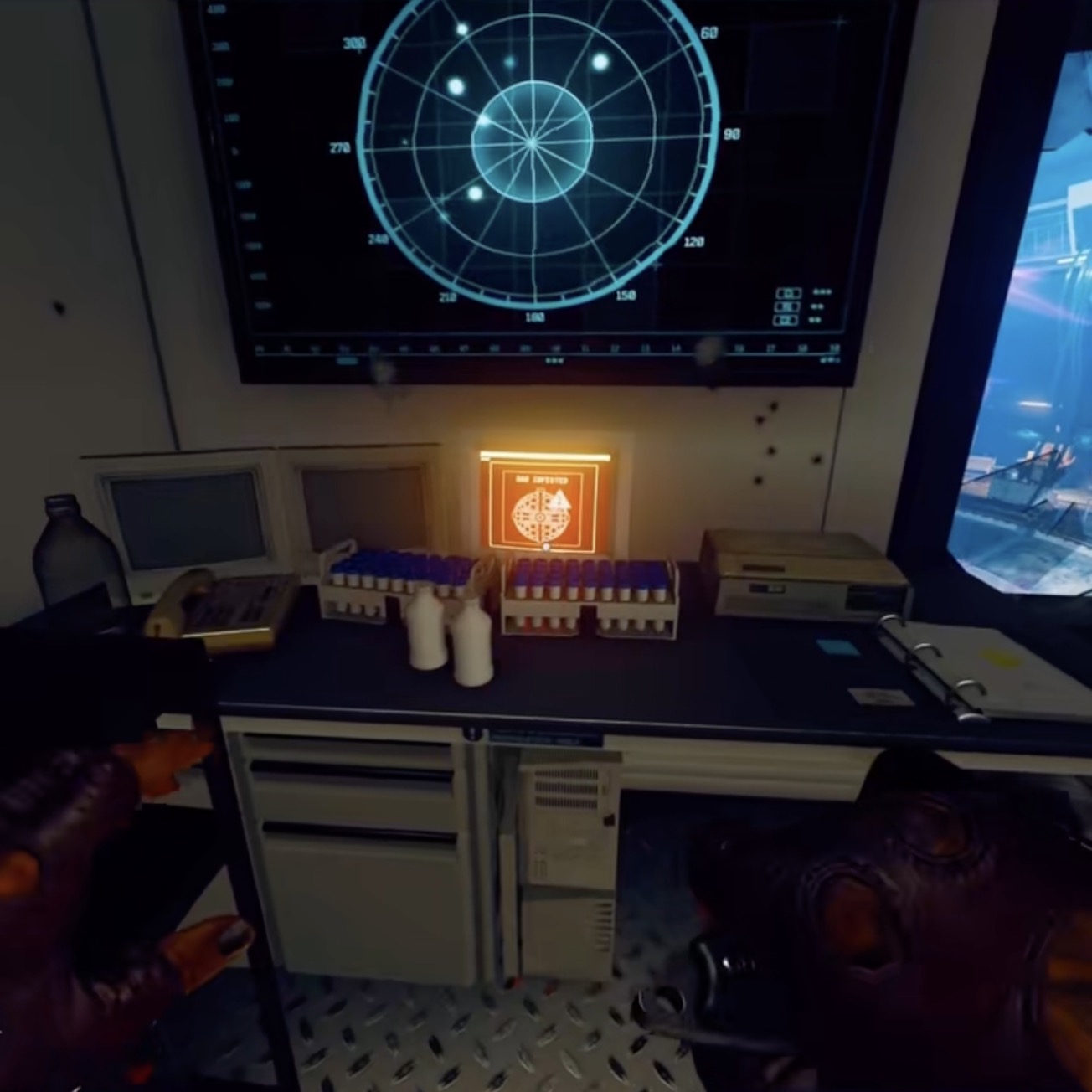
The computer will display another error code — this is what activates Sam’s upgraded trap mode!
Now you’ve got a fully upgraded Sam wreaking havoc.
Finished the Easter Egg?
Send this guide to your squad.